比較・レポート
比較・レポート機能を使うと、スキャン結果をレポートとして出力し、過去のスキャンとの比較を通じて改善の推移を可視化できます。経営報告やセキュリティ監査に活用できます。
レポート出力
現在のスキャン結果をレポートとして出力できます。以下の形式に対応しています:
- PDF — スコア、レイヤー別評価、Fail 項目一覧を含む印刷向けレポート。経営層への報告や監査証跡として利用できます。
- CSV — 全ルールの評価結果を表形式で出力。Excel 等での分析や社内システムへのインポートに適しています。
レポートは「レポート出力」ボタンから形式を選択して出力します。保存先はファイルダイアログで指定します。
スナップショット管理
スキャンを実行するたびに、結果がスナップショットとして自動保存されます。スナップショットの管理機能:
- 保存 — スキャン完了時に自動保存(日時が名前に含まれます)
- リネーム — スナップショットにわかりやすい名前を付けられます(例: 「MFA 導入前」「2026年Q1」)
- 削除 — 不要になったスナップショットを削除できます
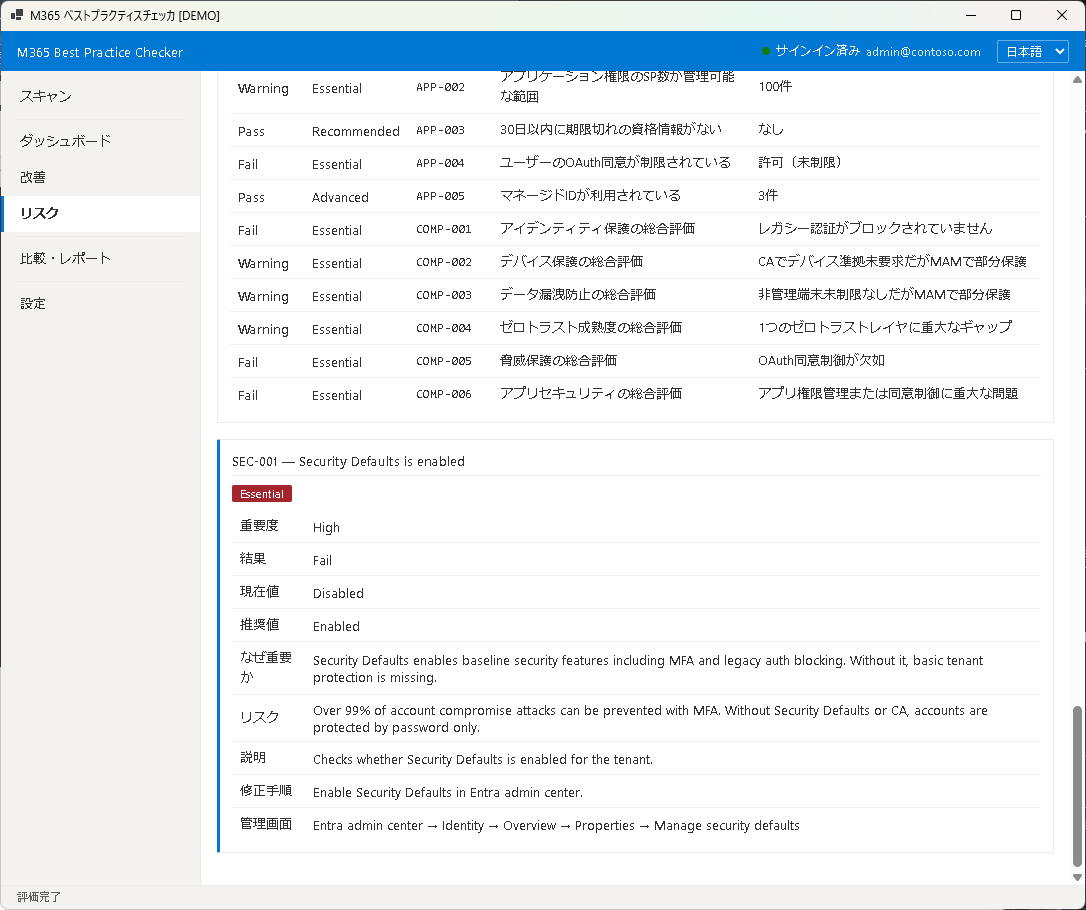
比較
2 つのスナップショットを選択して比較できます。比較画面には以下が表示されます:
- スコア変動 — 総合スコアとレイヤー別スコアの増減
- ステータス変化 — Fail から Pass に改善された項目、Pass から Fail に悪化した項目
- 新規・削除ルール — バージョンアップで追加・削除されたルール
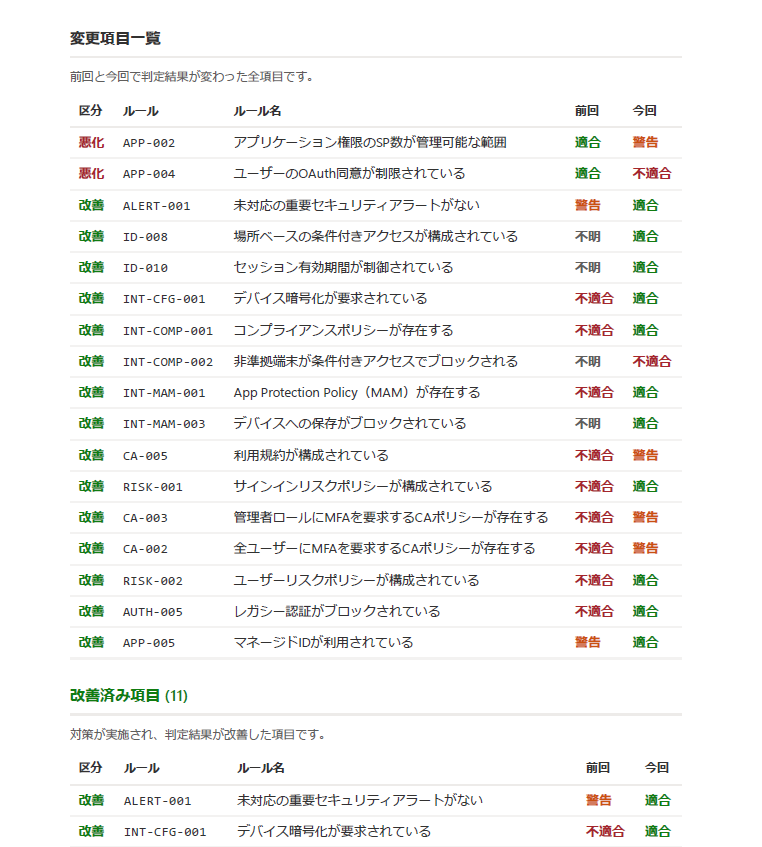
比較 PDF
比較結果を PDF として出力できます。Before / After のスコア変動、改善項目・悪化項目の一覧が含まれます。セキュリティ改善の成果を定量的に示す資料として活用できます。
次のステップ
Pro 版で利用できる追加機能については Chapter 7: Pro 機能をご覧ください。
Compare & Report
The Compare & Report features let you export scan results as reports and visualize improvement trends by comparing past scans. Ideal for executive reporting and security audits.
Report Output
Export your current scan results in the following formats:
- PDF — A print-ready report including scores, layer evaluations, and Fail item lists. Suitable for management presentations and audit trails.
- CSV — All rule evaluation results in tabular format. Suitable for Excel analysis or importing into internal systems.
Click the "Export Report" button, choose a format, and specify the save location in the file dialog.
Snapshot Management
Each scan result is automatically saved as a snapshot. Snapshot management features:
- Save — Automatically saved upon scan completion (timestamp included in the name)
- Rename — Give snapshots descriptive names (e.g., "Before MFA rollout", "2026 Q1")
- Delete — Remove snapshots you no longer need
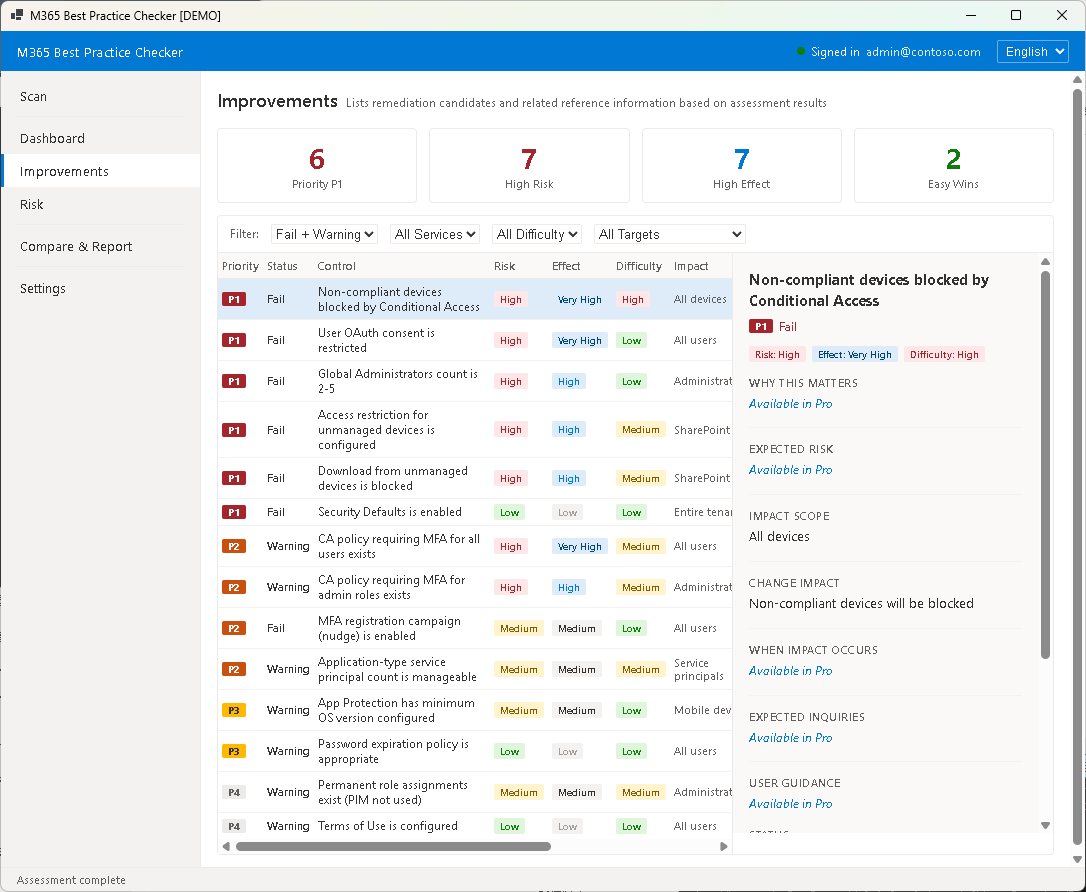
Comparison
Select two snapshots to compare. The comparison view shows:
- Score Changes — Overall and per-layer score differences
- Status Changes — Items that improved (Fail → Pass) and degraded (Pass → Fail)
- New / Removed Rules — Rules added or removed due to version updates
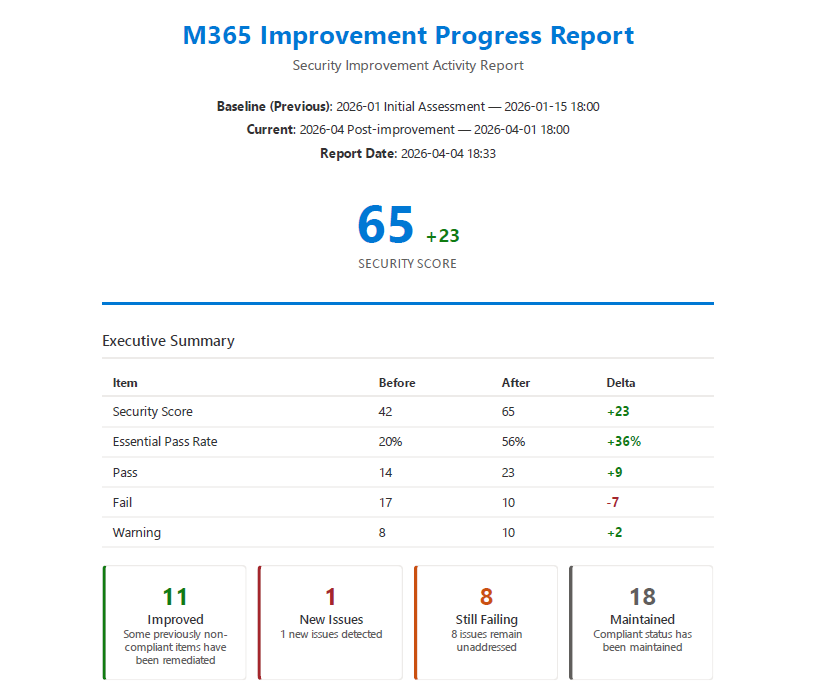
Comparison PDF
Export comparison results as a PDF. It includes Before/After score changes and lists of improved and degraded items. Use it to quantitatively demonstrate security improvement outcomes.
Next Step
Learn about additional capabilities available in the Pro edition in Chapter 7: Pro Features.