設定
設定画面では、ライセンス管理、言語切替、バージョン情報の確認ができます。
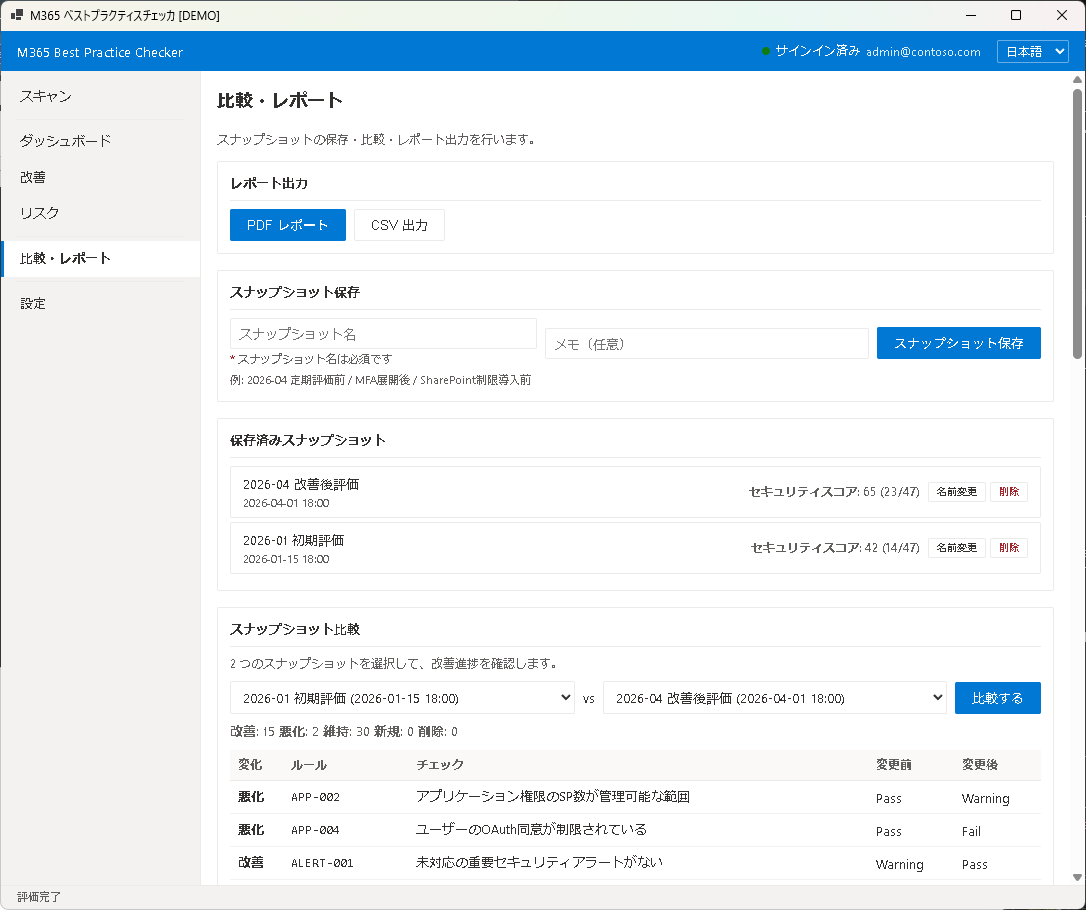
ライセンス管理
現在のライセンス状態(Free / Pro)が表示されます。
ライセンスのアクティベーション
- 「ライセンスキーを入力」フィールドにライセンスキーを入力します。
- 「アクティベート」ボタンをクリックします。
- 認証が成功すると、ライセンス状態が「Pro」に切り替わり、すべての Pro 機能が利用可能になります。
ライセンスの解除
「ライセンスを解除」ボタンをクリックすると、Pro ライセンスが解除され、Free 版に戻ります。ライセンスキーは別のマシンで再利用できます。
ライセンスの有効期限
Pro ライセンスには有効期限があります。期限が近づくと通知が表示されます。期限切れ後は Free 版として引き続き利用可能です(スキャン結果やスナップショットは保持されます)。
言語切替
アプリの表示言語を日本語と英語で切り替えられます。設定はアプリの再起動後に反映されます。
- 日本語 — すべての UI テキスト、ルール名、対策説明が日本語で表示されます
- English — All UI text, rule names, and remediation descriptions are displayed in English
言語設定はローカルに保存され、次回起動時も維持されます。
バージョン情報
アプリのバージョン番号、ルールセットのバージョン、ビルド日時が表示されます。サポートへの問い合わせ時にこの情報をお伝えください。
- アプリバージョン — アプリケーション本体のバージョン
- ルールセットバージョン — ベストプラクティスルールのバージョン
- ビルド日時 — アプリがビルドされた日時
データの保存場所
スキャン結果、スナップショット、設定情報はすべてローカルマシンに保存されます。テナントの設定情報が外部に送信されることはありません。データの保存先は以下のとおりです:
%LOCALAPPDATA%\M365BPChecker\— アプリ設定・ライセンス情報%LOCALAPPDATA%\M365BPChecker\Snapshots\— スキャンスナップショット
次のステップ
問題が発生した場合は Chapter 9: トラブルシューティングを参照してください。
Settings
The Settings screen provides license management, language switching, and version information.
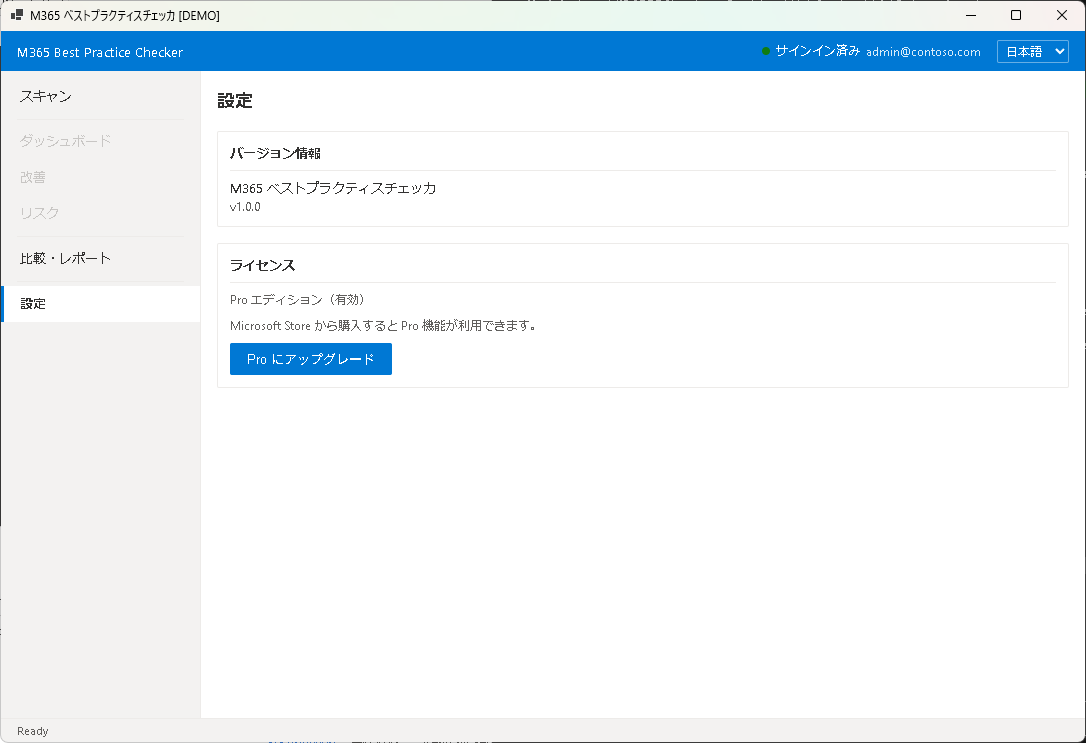
License Management
Your current license status (Free / Pro) is displayed here.
License Activation
- Enter your license key in the "Enter License Key" field.
- Click the "Activate" button.
- Upon successful authentication, your license status changes to "Pro" and all Pro features become available.
License Deactivation
Click "Deactivate License" to remove the Pro license and revert to the Free edition. The license key can then be reused on another machine.
License Expiration
Pro licenses have an expiration date. A notification appears when the expiration date approaches. After expiration, the app continues to work as the Free edition (scan results and snapshots are preserved).
Language
Switch the app display language between Japanese and English. The change takes effect after restarting the app.
- Japanese — All UI text, rule names, and remediation descriptions in Japanese
- English — All UI text, rule names, and remediation descriptions in English
Language settings are stored locally and persist across sessions.
Version Information
Displays the app version number, ruleset version, and build date. Please provide this information when contacting support.
- App Version — the application version
- Ruleset Version — the best practice rules version
- Build Date — when the app was built
Data Storage Location
All scan results, snapshots, and settings are stored locally on your machine. No tenant configuration data is transmitted externally. Data is stored in:
%LOCALAPPDATA%\M365BPChecker\— App settings and license info%LOCALAPPDATA%\M365BPChecker\Snapshots\— Scan snapshots
Next Step
If you encounter issues, see Chapter 9: Troubleshooting.